Is AI Automation Worth It? Real ROI Numbers From Small Businesses
Is AI Automation Worth It? Real ROI Numbers From Small Businesses
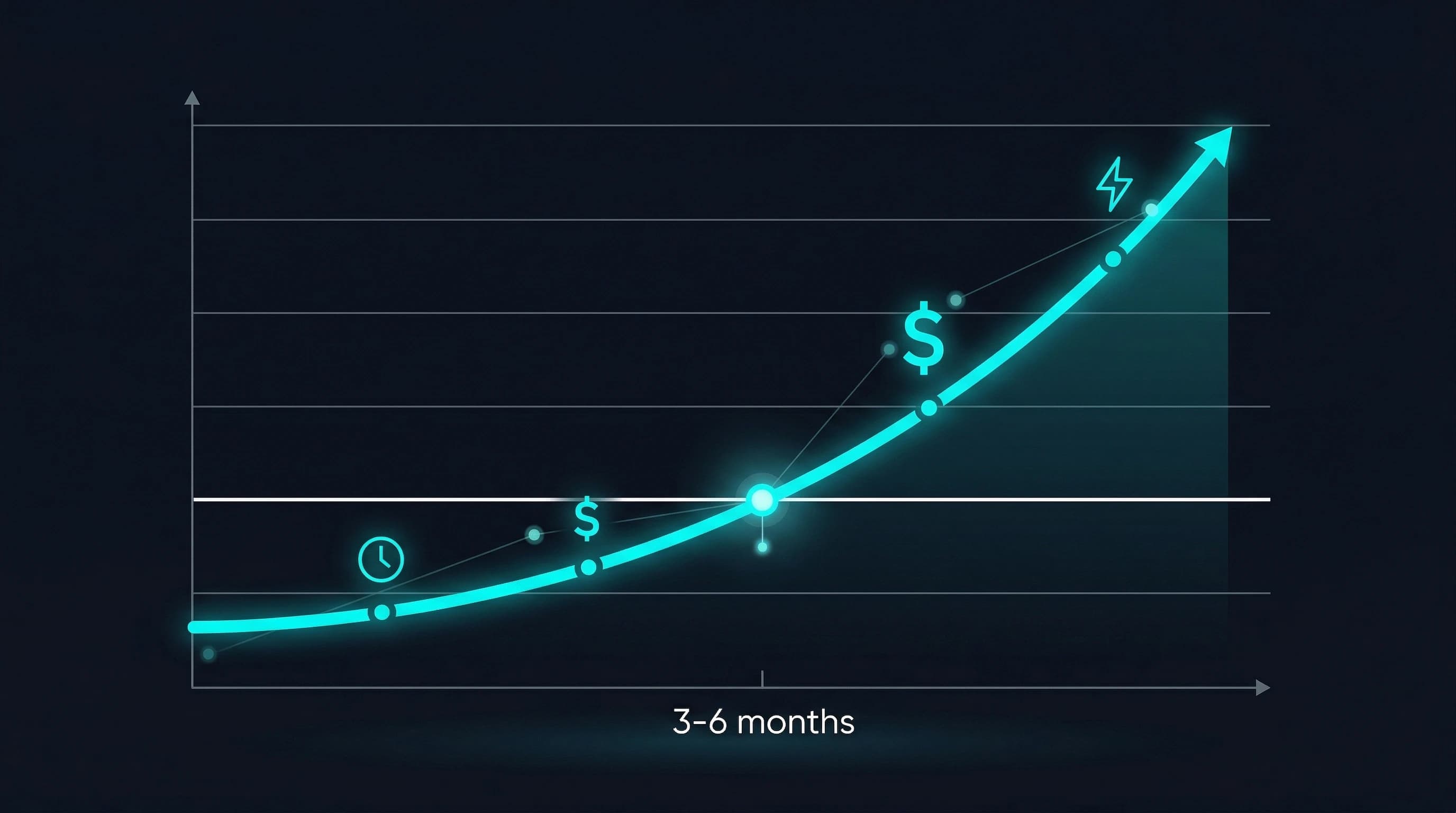
Yes — for the right processes. The average return on AI automation is $3.70 for every $1 invested, according to combined research from IBM and Aerospike (2025). Small businesses that automate repetitive processes typically save 10-15 hours per week per automated workflow and see 20-30% cost reduction in targeted areas. Most reach positive ROI within 3-6 months. But — and this is important — AI automation is not worth the investment for every task, every business, or every situation.
This guide gives you the real numbers, the real timelines, and an honest assessment of when automation isn't the right call.
The Numbers: What Small Businesses Actually See
Let's start with the data, not the hype.
Industry-Wide ROI Benchmarks
| Metric | Value | Source |
|---|---|---|
| Average return per $1 invested | $3.70 | IBM/Aerospike, 2025 |
| SMBs reporting 20%+ revenue growth after automation | 67% | Done For You, 2025 |
| Hours saved per automated process | 10-15/week | Industry composite |
| Cost reduction in targeted areas | 20-30% | McKinsey, 2024 |
| Time to positive ROI | 3-6 months | Industry composite |
| Error reduction in automated processes | 80-95% | Klippa, 2026 |
ROI by Process Type
Not every automation delivers the same return. Here's what we typically see across small business engagements:
| Process | Implementation Cost | Monthly Savings | Payback Period | Year 1 ROI |
|---|---|---|---|---|
| Invoice processing (50+ invoices/mo) | $5,000 - $8,000 | $1,200 - $2,000 | 3-5 months | 150-250% |
| Appointment scheduling (20+ bookings/week) | $3,000 - $5,000 | $800 - $1,500 | 2-4 months | 200-350% |
| Order routing (50+ orders/week) | $6,000 - $10,000 | $1,500 - $3,000 | 3-5 months | 180-300% |
| Customer follow-ups (100+ contacts/mo) | $3,000 - $5,000 | $600 - $1,200 | 3-6 months | 120-200% |
| Report generation (weekly reports) | $3,000 - $4,000 | $400 - $800 | 4-8 months | 80-150% |
These ranges include ongoing tooling costs ($500-$2,000/month) in the savings calculation. Actual ROI depends on your volume, labor costs, and current error rates.
Real-World Scenarios
Here are anonymized examples showing how the math works for different types of small businesses. Results are based on actual client outcomes — your results will vary based on your processes and technology stack.
Scenario 1: HVAC Contractor (5 Vans, 1 Office Manager)
Problem: Office manager spent 10+ hours per week manually scheduling jobs, sending confirmations, and handling reschedules.
Automation: Scheduling system integrated with field management software. Customers book online, technicians get mobile notifications, confirmations and reminders sent automatically.
| Metric | Before | After |
|---|---|---|
| Scheduling hours/week | 10-12 | 1-2 |
| Missed appointments | 8-10/month | 1-2/month |
| Customer complaints about scheduling | Weekly | Rare |
| Office manager overtime | Regular | Eliminated |
Cost: $4,500 implementation + $600/month ongoing Monthly savings: $1,400 (labor) + $800 (reduced missed appointments) Payback: 6 weeks
Scenario 2: Specialty Coffee Roaster (Online + Wholesale)
Problem: Owner manually entered wholesale orders from email into Shopify, then into shipping system. 33% of orders had at least one error — wrong quantity, wrong SKU, or wrong shipping address.
Automation: Order intake from email/form → automatic entry into Shopify → inventory check → shipping label generation → customer notification.
| Metric | Before | After |
|---|---|---|
| Order entry errors | 33% of orders | Under 2% |
| Order processing time | 15 min per order | 1 min (review only) |
| Weekly hours on order entry | 8 | 1 |
| Customer complaints from errors | 3-4/week | Near zero |
Cost: $7,000 implementation + $800/month ongoing Monthly savings: $1,600 (labor) + $1,200 (error costs eliminated) Payback: 8 weeks
Scenario 3: Solo Tax CPA (Owner + 1 Part-Time Assistant)
Problem: Every tax season, 40-60% of clients submitted documents late or incomplete, requiring multiple follow-up calls and emails. The CPA spent 15+ hours per week on document chasing during peak season.
Automation: Client portal with automated document checklist, reminders at 7, 3, and 1 day before deadline, status dashboard showing which clients were complete.
| Metric | Before | After |
|---|---|---|
| Clients submitting on time | 40-60% | 85-90% |
| Hours spent on document chasing (peak) | 15+/week | 2-3/week |
| Client capacity | 120 clients | 145 clients (+20%) |
| Late-filing penalties for clients | Occasional | Near zero |
Cost: $5,500 implementation + $500/month ongoing Monthly savings: $1,000 (labor) + additional revenue from 25 more clients Payback: 2 months (including new client revenue)
When AI Automation is NOT Worth It
Being honest about when not to automate is as important as explaining when to automate. Here are the scenarios where the investment doesn't pay off:
1. Low-Volume Tasks
If a task happens fewer than 5 times per week, the implementation cost rarely justifies the savings. A process that takes 10 minutes and runs 3 times a week costs you 26 hours per year — not enough to warrant a $3,000+ automation project.
Exception: If the low-volume task has catastrophic consequences when done wrong (like compliance reporting), automation may still be worth it for accuracy, not time savings.
2. Frequently Changing Processes
If your workflow changes monthly — new rules, new exceptions, new steps — the maintenance cost of keeping the automation updated exceeds the savings from running it. Automation works best on stable, mature processes.
Rule of thumb: If the process hasn't been consistent for at least 6 months, it's too early to automate.
3. Problems Requiring Human Judgment
Complex negotiations, creative decisions, handling novel customer situations, and evaluating vendor quality all require context, intuition, and empathy that AI can't replicate. Automating these tasks leads to rigid, frustrating experiences.
4. Poor Data Quality with No Budget to Fix It
Automation depends on clean, consistent data. If your customer records are full of duplicates, your product catalog uses inconsistent naming, and your invoices come in 15 different formats — the data cleanup alone can cost $2,000-$5,000 before any automation begins.
If you don't have budget for both cleanup and automation, it's better to clean the data manually first and automate later.
5. Businesses in Rapid Pivot Mode
If you're fundamentally changing your business model, target market, or service offerings, automating current processes is premature. Wait until your operations stabilize.
Why Do So Many AI Projects Fail?
You've probably seen the statistic: 80-90% of AI projects never leave the pilot phase (RAND Corporation). That's a real number, but it's misleading for small business automation. Here's why:
What Drives That Failure Rate
The RAND study and similar research primarily cover enterprise AI projects — large-scale machine learning initiatives, company-wide digital transformations, and R&D experiments. These fail because:
- Unclear objectives — "We want to use AI" is not a goal
- Organizational resistance — Large companies have political barriers to change
- Data infrastructure gaps — Enterprise data is scattered across dozens of legacy systems
- Scope creep — Projects that start as "automate invoicing" become "reinvent our entire finance stack"
Why Small Business Automation Is Different
Small business process automation has fundamentally different success factors:
| Enterprise AI Projects | Small Business Automation |
|---|---|
| Unclear, broad objectives | Specific, measurable process (e.g., "automate invoice entry") |
| Dozens of stakeholders | 1-3 decision makers |
| Complex legacy systems | 2-5 modern cloud tools |
| 12-18 month timelines | 4-8 week timelines |
| $100K-$1M+ budgets | $3K-$15K budgets |
| Success = competitive advantage | Success = hours saved this week |
When you're automating a specific, well-understood process in a small business with 2-5 tools, the risk profile is completely different from an enterprise trying to "become AI-first."
The key predictors of success for small business automation:
- Specific process identified — Not "use AI" but "automate our invoice processing"
- Current process is documented or documentable — You can explain the steps to someone
- Volume justifies the investment — The process happens often enough to matter
- Stable workflow — The process hasn't changed significantly in 6+ months
- Team buy-in — The people who do the work today want it automated
How to Measure ROI After Implementation
Don't just assume the automation is working. Track these metrics:
Direct Metrics
- Hours saved per week — Compare pre and post automation. Have your team log time for 2 weeks before the project starts as a baseline.
- Error rate — Track mistakes, rework, and corrections before and after.
- Processing time — How long does the end-to-end process take now vs. before?
- Cost per transaction — Total monthly cost (labor + tooling) divided by number of transactions processed.
Indirect Metrics
- Employee satisfaction — Are people less frustrated, less burnt out, more focused on valuable work?
- Customer satisfaction — Fewer errors usually means fewer complaints and faster service.
- Capacity — Can you handle more customers, orders, or clients without hiring?
- Revenue impact — Did the freed-up time lead to more sales, better service, or business growth?
When to Measure
- Week 1-2: Bugs and adjustments. Don't measure ROI yet — you're still tuning.
- Month 1: First meaningful metrics. Compare to your pre-automation baseline.
- Month 3: Reliable ROI picture. The automation is stable and team is comfortable.
- Month 6: Decision point. Should you expand to more processes or optimize the current one?
The Compounding Effect
The ROI from AI automation compounds over time in ways that aren't obvious at first:
- Year 1: The automation saves hours and reduces errors. You recoup your investment.
- Year 2: The ongoing cost is just tooling ($500-$2,000/month) while the savings continue. ROI doubles.
- Year 3+: You've expanded to 2-3 automated processes. Your operations run at a fundamentally different efficiency level. You're handling 20-30% more business with the same team size.
The businesses that see the biggest long-term returns aren't the ones that automate the most — they're the ones that automate the right process first, prove it works, and systematically expand.
The Bottom Line
AI automation is worth it for small businesses when:
- You're targeting a specific, high-volume, repetitive process
- The process is stable and well-understood
- The time and error costs exceed the implementation investment within 6 months
- Your data is clean enough to automate against (or you're willing to clean it)
- Your team is on board with the change
It's not worth it when:
- The task is low-volume (fewer than 5 times per week)
- The process changes constantly
- The work requires complex human judgment
- You're in the middle of a business model pivot
- Data quality is poor with no budget to fix it
For most small businesses with 5-50 employees, there are at least 2-3 processes currently eating 20-40 hours per week that could be automated with a clear positive ROI. The question isn't whether automation is worth it — it's which process to automate first.
Want to know exactly which of your processes will deliver the best ROI from automation? Our free 30-minute process audit identifies your top 3 opportunities with estimated time and cost savings. No pitch, no pressure — book your audit here.